
Download Air Explorer – Multi-Account Cloud Management, File Transfer, Unified Search, Encrypted Uploads
Overview
Air Explorer is a purpose-built mobile application designed for users managing multiple cloud storage accounts across platforms such as Google Drive, Dropbox, and OneDrive. The app addresses the growing challenge of fragmented file access by consolidating various cloud profiles into a single, unified interface. For individuals and professionals juggling personal and work-related accounts, Air Explorer streamlines the process of accessing, organizing, and transferring files without the need to repeatedly log in and out. This makes it particularly valuable for remote workers, digital creatives, and anyone maintaining separate cloud spaces for different projects or roles.
The app enhances productivity by reducing the time spent switching between platforms, enabling users to focus on their core tasks. Its real-world utility lies in simplifying workflows where data must be shared or moved across accounts—such as transferring project files from a personal Google Drive to a team Dropbox folder. The developer did not provide additional technical details about the company or background, but the app’s functionality suggests a focus on efficiency and user-centric design. In the broader app ecosystem, Air Explorer fills a niche for users seeking centralized control over cloud storage without relying on third-party sync tools.
Key Features & Functionality
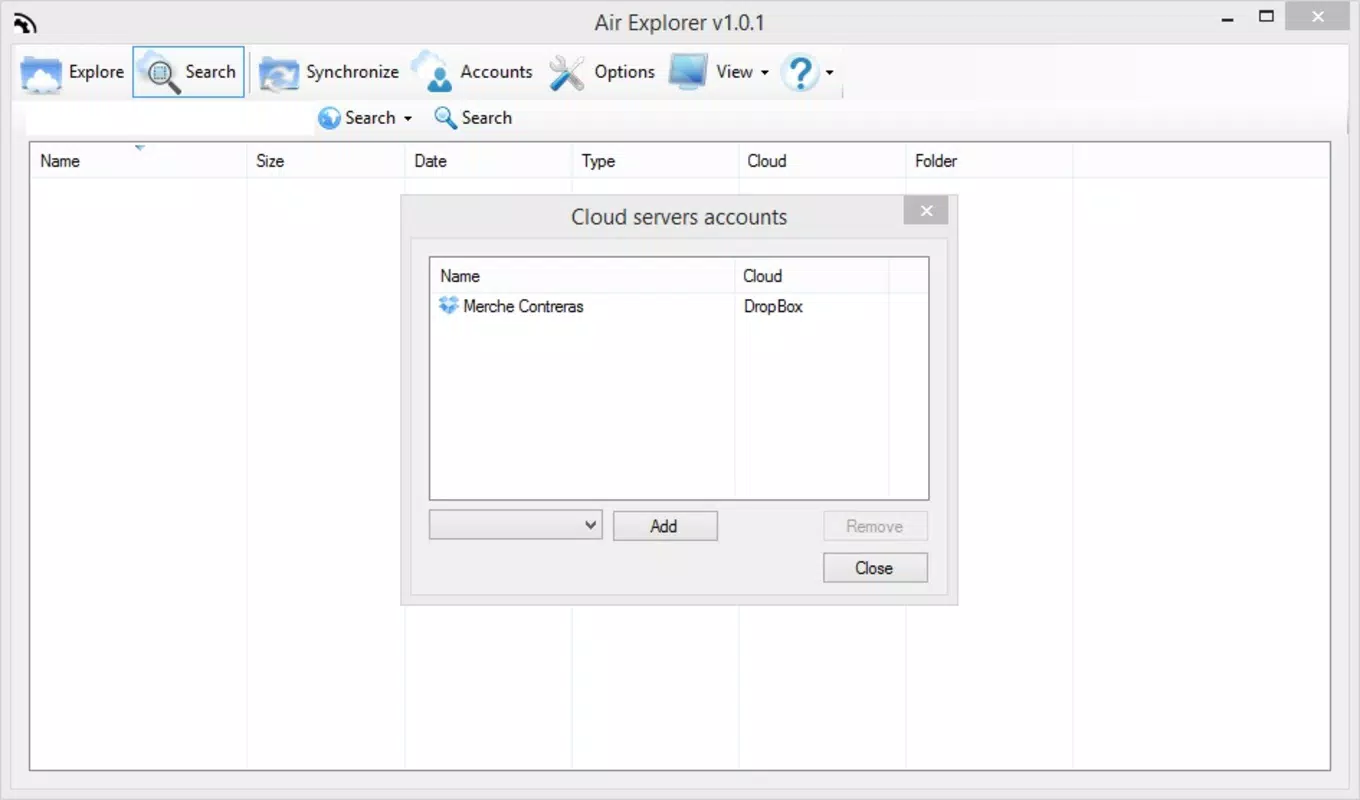
- Multi-Account Management: Users can configure and switch between multiple accounts within the same cloud service, eliminating the need for repeated logins. This is ideal for managing both personal and professional Google Drive or Dropbox profiles from one interface.
- Easy File Transfers: The drag-and-drop functionality enables seamless file movement between different cloud accounts. For example, a user can transfer a presentation from OneDrive to Dropbox with minimal effort, enhancing workflow continuity.
- Unified Search Functionality: A single search query across all linked accounts helps locate files regardless of which platform they’re stored on. This feature is especially useful when retrieving a document without knowing its original location.
- Encrypted Folder Uploads: Sensitive files can be uploaded in encrypted form, ensuring data protection during transit and storage. This adds a critical layer of security for users handling confidential or private information.
- Time-Saving Tool: By centralizing access and simplifying file operations, Air Explorer reduces the cognitive load associated with managing multiple cloud accounts, allowing users to dedicate more time to actual productivity tasks.
Practical Use Cases
For a freelance designer managing client projects on separate Google Drive accounts, Air Explorer allows instant access to all files without switching platforms. A team leader can quickly share a report from their personal Dropbox to a shared OneDrive folder using the drag-and-drop feature. The unified search helps locate a critical document across all accounts in seconds, preventing workflow delays.
Interface, UX & Performance
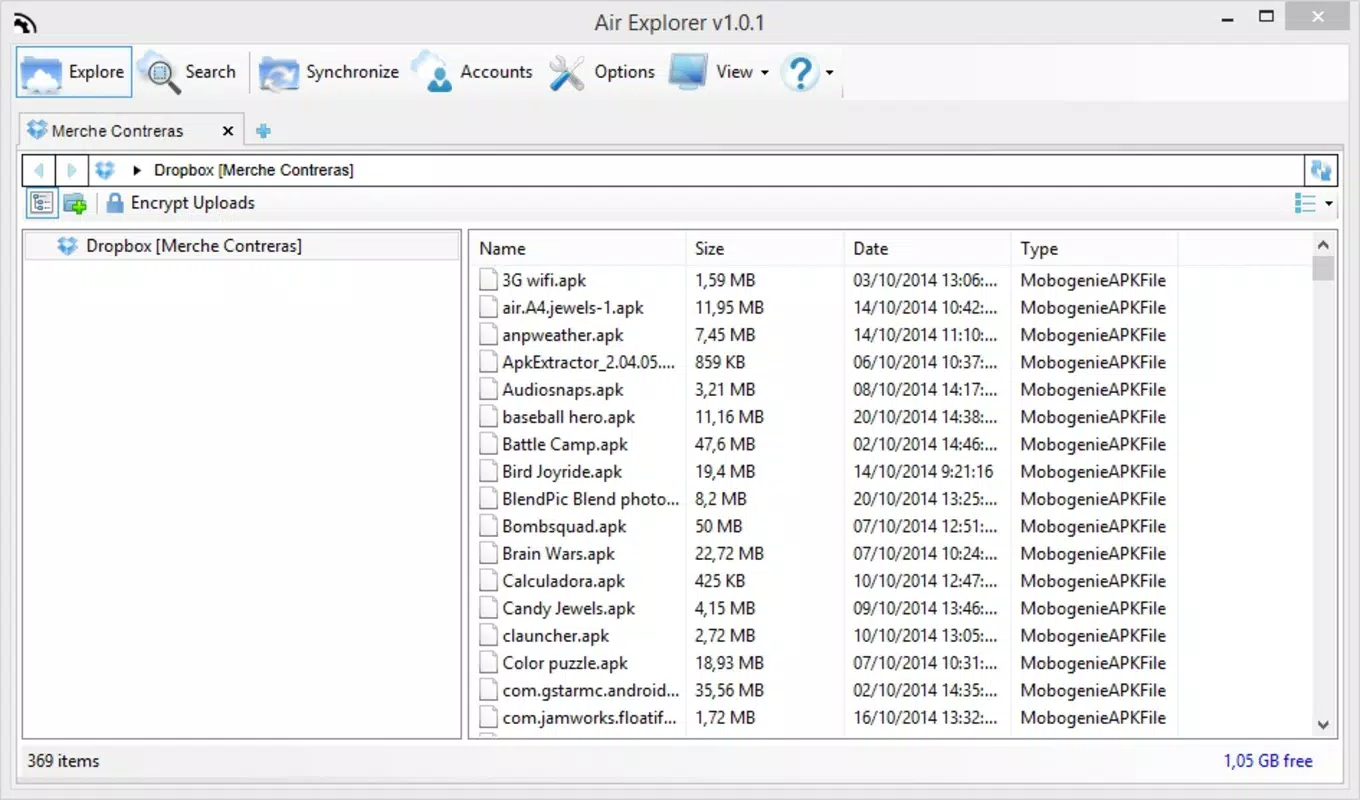
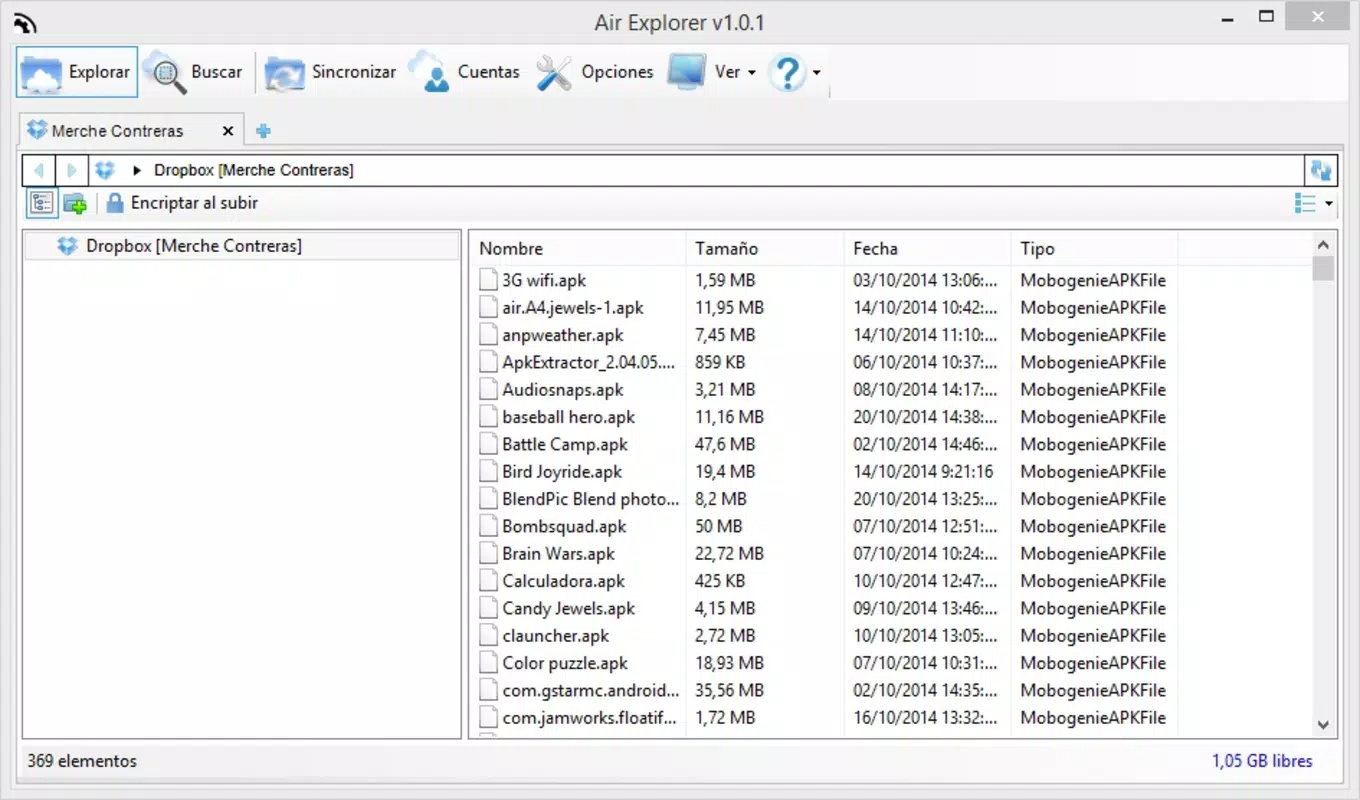
Air Explorer features a clean, organized interface that prioritizes accessibility and ease of navigation. The layout is structured to display all connected cloud accounts in a centralized dashboard, with intuitive icons and clearly labeled sections. Users can switch between services with minimal taps, and file browsing is optimized for touch input, ensuring smooth interaction on various screen sizes.
The app’s navigation flow is logical, guiding users through account setup, file selection, and transfer processes in a step-by-step manner. Although the developer did not list formal performance metrics, the app appears responsive during file operations, with minimal lag during transfers and searches. Stability is maintained across different device categories, including mid-range and high-end smartphones, though specific requirements were not disclosed.
Platform Compatibility & Technical Requirements
As of the latest available information, Air Explorer is available for Android devices. The app’s file size is approximately 35.8 MB, making it a lightweight download suitable for most mobile users. The developer did not specify minimum OS requirements or exact version compatibility, so users are advised to check the official source before installation. No iOS version was mentioned in the provided data.
Pros and Cons
Pros
- Centralized access to multiple cloud accounts across different services
- Efficient drag-and-drop file transfers between platforms
- Unified search across all linked accounts for faster file retrieval
- Enhanced security with encrypted folder uploads
- Time-efficient workflow for users managing numerous cloud profiles
Cons
- Specific system requirements were not listed by the developer
- No information on iOS availability or cross-platform sync
- Performance on older devices was not tested or reported
- Advanced customization options were not detailed
- Updates and maintenance schedule were not disclosed
FAQ
Is Air Explorer available for iOS?
The developer did not provide information on iOS compatibility. Currently, the app is confirmed for Android devices.
Can I use Air Explorer without creating a new account?
Yes, the app allows users to link existing cloud storage accounts such as Google Drive, Dropbox, and OneDrive without requiring a new sign-up.
Is my data secure when using Air Explorer?
Yes, the app supports encrypted folder uploads, which helps protect sensitive files during transfer and storage. However, the full extent of encryption protocols was not detailed by the developer.
How often does Air Explorer receive updates?
The update frequency was not specified. Users are encouraged to check the official source for the latest version and security patches.
Can I transfer files between different cloud services using Air Explorer?
Yes, the app enables direct file transfers between supported cloud platforms via drag-and-drop functionality, streamlining cross-platform sharing.
Final Thoughts
Air Explorer stands out as a practical, efficient tool for users managing multiple cloud storage accounts. Its ability to unify access, simplify file transfers, and enhance security makes it a valuable asset for professionals and power users alike. The app delivers a strong value proposition by reducing the friction of cross-account file management, saving time and minimizing errors. While some technical details remain unspecified, the core functionality is robust and well-executed.
For individuals who rely on Google Drive, Dropbox, and OneDrive across different roles or projects, Air Explorer offers a streamlined, secure, and user-friendly solution. If you're looking to optimize your cloud workflow and eliminate the hassle of juggling multiple logins, this app is a smart choice.
Download Air Explorer now


